
Shared plans
Keep the dates that belong to both of you.
Visits, date nights, anniversaries, and ordinary plans can sit in one relationship space instead of being copied between two personal calendars.
Plans that belong to both of you
Adoring is a couples calendar app coming soon for iPhone. It is being built to keep visits, dates, lists, checklists, tasks, and explicit time zones in one shared place.
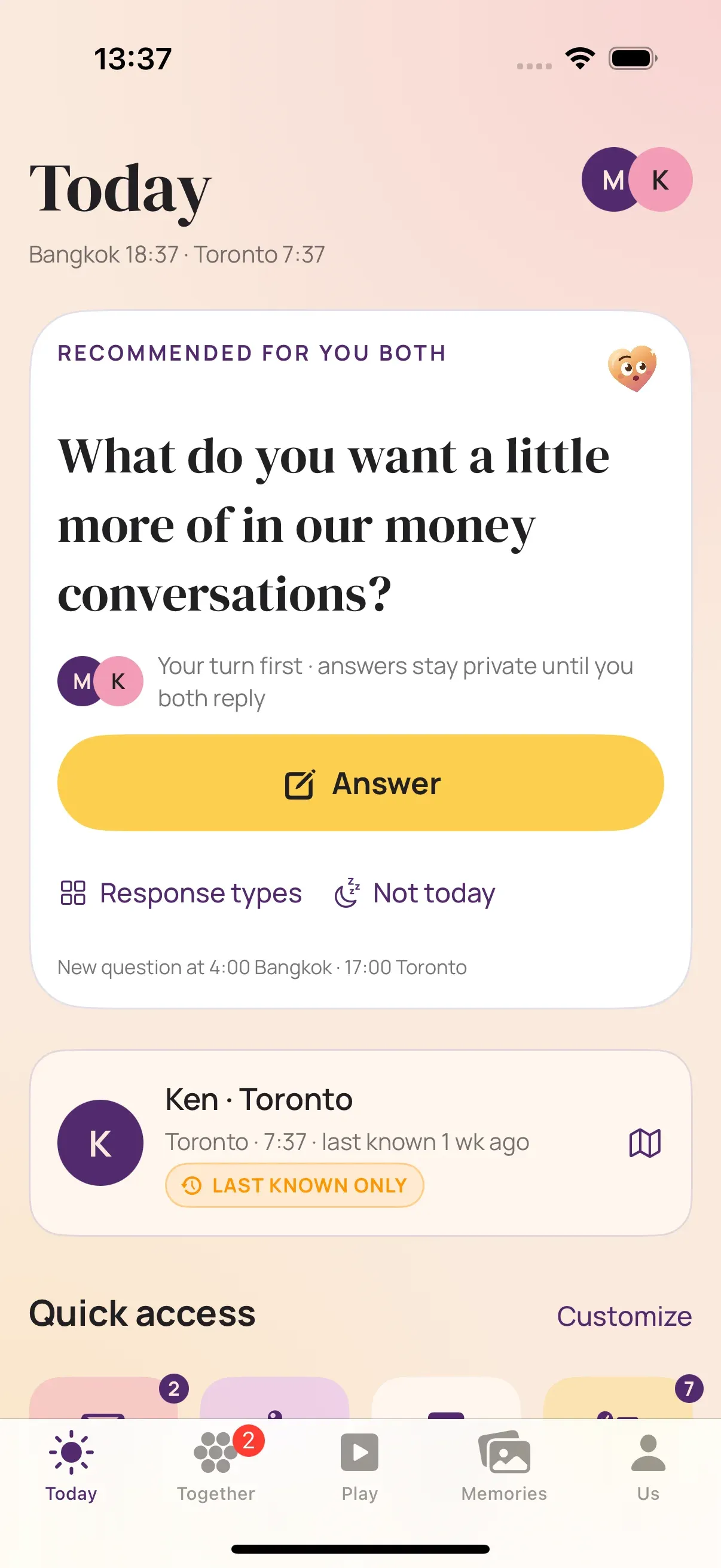
From someday to a real date
Shared plans
Visits, date nights, anniversaries, and ordinary plans can sit in one relationship space instead of being copied between two personal calendars.
Long-distance clarity
Adoring keeps the intended time zone explicit, helping a flight arrival or video date mean the same thing on both phones.
The next visit
The countdown keeps the reunion visible while its dates and travel details remain attached to the plan.
From idea to plan
Shared lists, tasks, and checklists give date ideas, packing notes, and small commitments a clear next step.
Afterward
After a visit or date, add the photos and moments you want to keep to your shared history.
Only two people
Adoring is designed for one couple, not a household, team, or public event. There are no followers or event discovery feeds.
How it works
01
Add a visit, date, milestone, or shared task with the exact date and intended time zone visible to both partners.
02
Keep travel information, lists, checklist items, and responsibilities beside the plan so neither person has to reconstruct them from chat.
03
See what is coming, mark the practical pieces complete, then keep the photos or moments that deserve a place in your shared history.
Planning together
Keep upcoming reunions, date nights, anniversaries, and plans in a space both partners can open and understand.
Adoring is designed to preserve the time zone attached to a plan rather than silently reinterpreting it based on the phone that opens it.
The time until a reunion can appear in the app and in a privacy-aware widget without exposing travel details or private messages on the lock screen.
Use lists for ideas and checklists for the things that need to happen, from booking a ticket to remembering a charger.
Keep the practical information for a planned visit close to its dates, reducing the need to search across email, screenshots, and old messages.
After a date or visit, you can save its photos and moments as a memory alongside milestones and other shared history.
What Adoring does not do
Adoring focuses on plans that belong to the two of you. It keeps the relationship context close without asking either partner to move every personal obligation into another calendar.
Questions
Keep exploring
Plan the next visit
Explore local time, optional location sharing, letters, games, and plans designed around two schedules.
Keep it visible
See how visit countdown, partner time, prompts, and memories can work as privacy-aware widgets.
Plan visits and dates together, with checklists, shared lists, and clear time zones close at hand.
Find your Adoring mix